WordPress 7.1.3 Update: Key Security Fixes Explained
WordPress 7.1.3: What’s New in the Latest Maintenance and Security Release
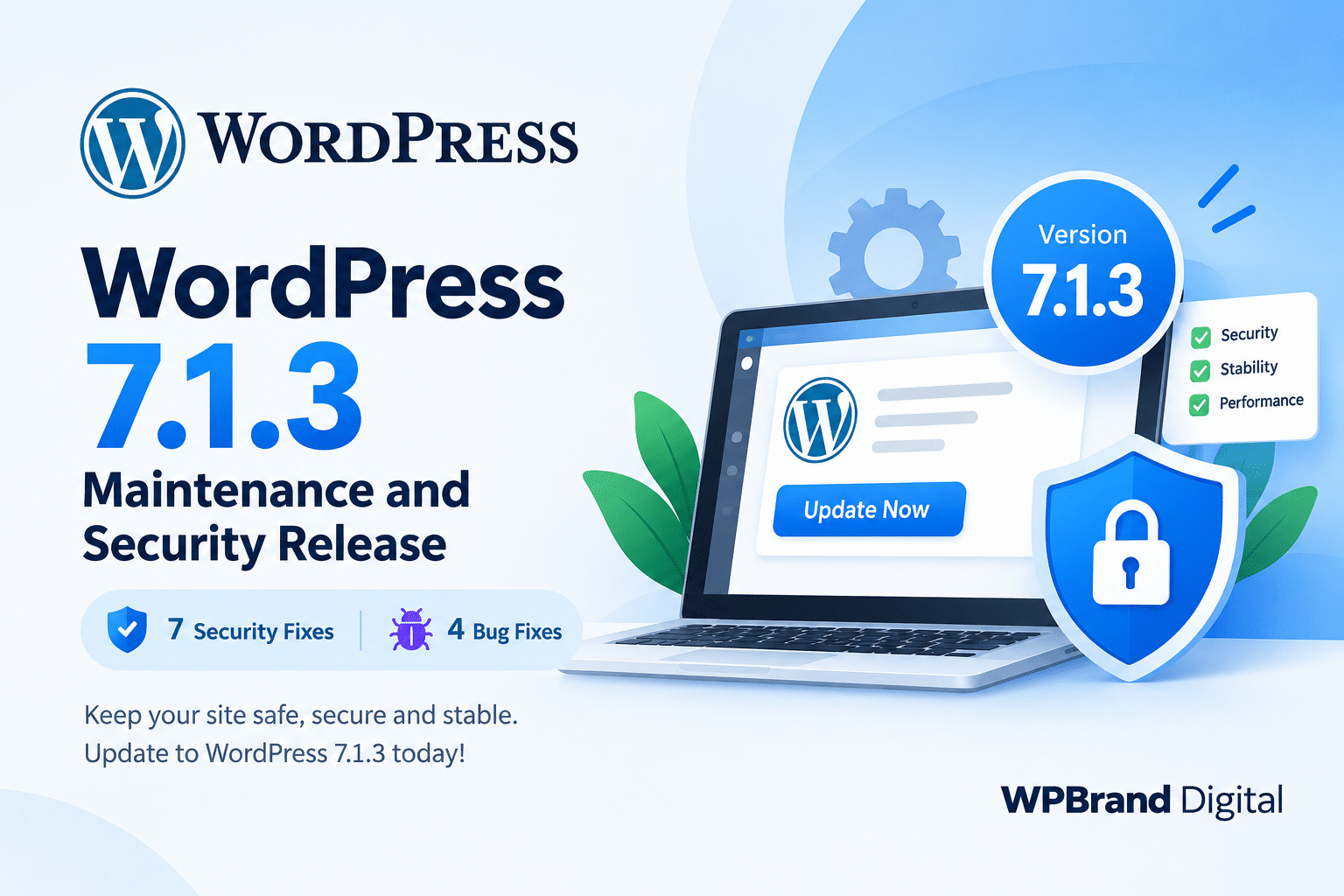
WordPress has released WordPress 7.1.3, the latest maintenance and security update for the WordPress 7.1 series. Released on October 6, 2026, this update includes 7 security fixes and 4 bug fixes.
Because WordPress 7.1.3 is a security release, website owners are encouraged to update their WordPress websites as soon as possible.
What Is WordPress 7.1.3?
WordPress 7.1.3 is a maintenance and security release focused on improving the security, reliability, and stability of WordPress websites.
Unlike a major feature release, this update does not focus on introducing large new features. Instead, it addresses security vulnerabilities and fixes bugs discovered in WordPress core.
According to the official WordPress announcement, the release contains:
- 7 security fixes
- 4 bug fixes
- Security improvements across several WordPress core components
- Backported security fixes for supported older WordPress branches
Only the latest WordPress version is actively maintained, so keeping your website updated is an important part of WordPress security.
Why Should You Update to WordPress 7.1.3?
Security updates are particularly important because vulnerabilities in WordPress core can potentially affect websites running vulnerable versions.
WordPress 7.1.3 addresses several types of security issues, including cross-site scripting, SQL injection, unauthorized information disclosure, and permission-related issues.
The WordPress project specifically recommends updating websites immediately because this is a security release.
If your website is running WordPress 7.1 or an earlier version, checking for the latest available update should be a priority.
What Security Issues Were Fixed?
WordPress 7.1.3 includes fixes for several security issues reported by security researchers and the WordPress security team.
1. Stored Cross-Site Scripting in Comments
A stored XSS vulnerability affecting the Comments administration page was fixed. The issue could be triggered through pending comments.
This is particularly relevant for websites that accept comments or other user-generated content.
2. WordPress HTTP Denial-of-Service Issue
The release also fixes a denial-of-service issue involving the WP_Http::make_absolute_url() method.
This improvement helps strengthen WordPress’s HTTP handling.
3. Second-Order SQL Injection in WXR Export
Another important fix addresses a second-order SQL injection vulnerability in the WordPress WXR export functionality.
WXR export is used when WordPress content is exported, making this security improvement important for websites using WordPress’s built-in export tools.
4. Author Role Permission Issue
WordPress 7.1.3 fixes an issue that could allow users with the Author role to mark posts as sticky.
Sticky posts are normally controlled by users with higher-level permissions, so this update improves WordPress’s role and capability handling.
5. Unauthorized Comment Disclosure
A separate security issue could expose comments associated with private and unpublished posts to unauthenticated visitors.
The fix helps ensure that private content remains appropriately protected.
6. XSS Issue With Imgur Embeds
WordPress also addressed an XSS vulnerability involving Imgur embeds.
Websites that use embedded external media can benefit from keeping WordPress core updated so that security improvements are applied as they become available.
7. Forgeable Hook Parameters
The final listed security fix addresses forgeable parameters passed to the {status}_{type} hook, which could lead to action name collisions.
This further strengthens WordPress core’s handling of hooks and parameters.
WordPress 7.1.3 Also Includes Bug Fixes
In addition to security improvements, WordPress 7.1.3 includes 4 bug fixes.
Maintenance releases like this are important because they help improve the overall stability of WordPress without requiring website owners to wait for a major feature release.
For plugin and theme developers, keeping development environments updated can also help ensure compatibility testing is performed against the latest WordPress version.
How to Update to WordPress 7.1.3
Updating to WordPress 7.1.3 is straightforward.
From the WordPress Dashboard
Go to:
Dashboard → Updates → Update Now
If your website supports automatic background updates, WordPress may install the update automatically.
Before performing any WordPress core update, it is still a good practice to make sure your website has a recent backup.
What Should WordPress Plugin Developers Do?
WordPress plugin developers should also pay attention to maintenance and security releases.
After updating a development or staging website to WordPress 7.1.3, test important plugin functionality, especially features that interact with:
- User roles and permissions
- Comments
- Content export
- External embeds
- WordPress HTTP APIs
- Custom hooks
- User-generated content
For Gutenberg and block-based plugins, testing the plugin with the latest WordPress version is particularly useful for identifying compatibility problems before users encounter them.
WordPress 7.1.3 and Website Security
Keeping WordPress core, plugins, and themes updated is one of the simplest ways to improve website security.
However, updating WordPress alone is not enough. Website owners should also use trusted plugins and themes, keep administrator accounts secure, maintain regular backups, and remove unused software.
A secure WordPress website depends on maintaining the entire WordPress environment—not just WordPress core.
Frequently Asked Questions
Is WordPress 7.1.3 a security release?
Yes. WordPress 7.1.3 is a maintenance and security release containing 7 security fixes and 4 bug fixes.
Should I update my WordPress website to 7.1.3?
Yes. WordPress recommends updating immediately because this is a security release.
Does WordPress 7.1.3 add major new features?
No. This release primarily focuses on security improvements, bug fixes, and stability rather than introducing major new features.
Can WordPress update automatically?
Yes. Websites that support automatic background updates can receive the update automatically. You can also update manually from Dashboard → Updates.
Do plugin developers need to test their plugins with WordPress 7.1.3?
Yes. Testing plugins and themes against the latest WordPress release is recommended, particularly for plugins that interact with core APIs, permissions, comments, embeds, or other affected areas.
Final Thoughts
WordPress 7.1.3 is an important security and maintenance update that WordPress website owners should not ignore.
With 7 security fixes and 4 bug fixes, the release strengthens several areas of WordPress core, including comments, exports, user permissions, embeds, HTTP handling, and hooks.
If your website has not yet been updated, check Dashboard → Updates and install the latest available WordPress version.
For WordPress developers, this is also a good opportunity to test plugins and themes against WordPress 7.1.3 and ensure that your products continue to provide a secure and reliable experience for users.