Critical PHP Security Release: WordPress Guide (2026)
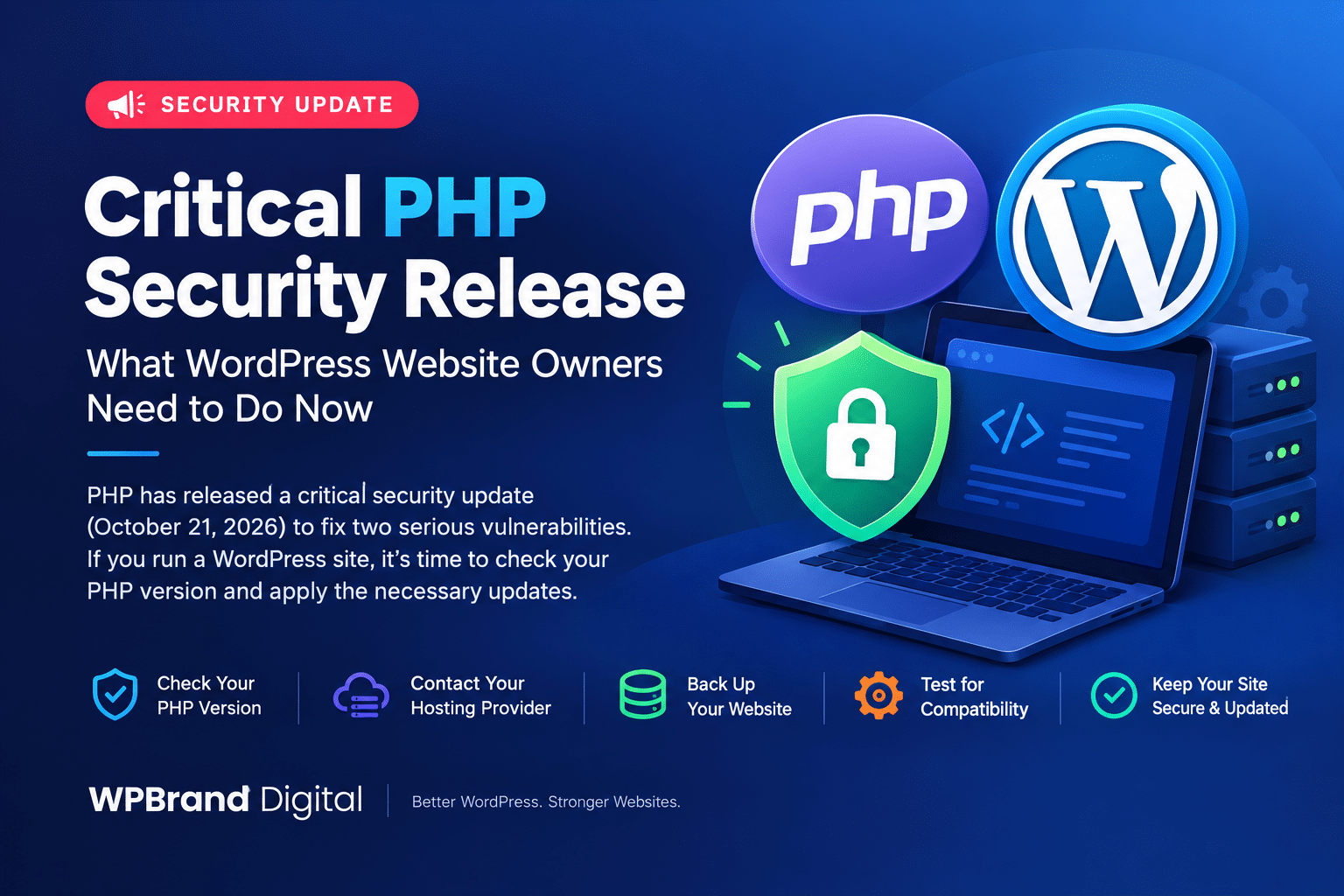
Critical PHP Security Release: What WordPress Website Owners Need to Do Now
PHP has released an important security update on October 21, 2026, addressing two critical vulnerabilities that could put websites and web applications at risk. Since WordPress relies on PHP to run its core functionality, plugins, and themes, website owners should check their server environment and apply the appropriate security updates as soon as possible.
According to the official PHP announcement, the vulnerabilities may allow unauthenticated remote code execution. Both issues are rated 9.2 on the CVSS v4.0 severity scale. This makes the release particularly important for WordPress developers, website administrators, hosting providers, and online businesses.
The most important action is to update PHP to a fixed version through your hosting provider or server administrator. Updating WordPress core alone will not fix these PHP vulnerabilities.
Official announcement: https://www.php.net/
What Is the Critical PHP Security Release?
PHP is a server-side programming language used by WordPress and many other web applications. It processes website requests and helps generate the pages visitors see.
On October 21, 2026, the PHP development team published security updates addressing two critical vulnerabilities. These issues could allow an attacker to execute unauthorized code on a vulnerable server under certain conditions.
The security-fixed versions are:
| PHP version branch | Fixed release |
|---|---|
| PHP 8.5 | 8.5.12 |
| PHP 8.4 | 8.4.27 |
| PHP 8.3 | 8.3.36 |
| PHP 8.2 | 8.2.35 |
Source: Official PHP security announcement.
Use the latest available security-fixed release for your supported PHP branch, or a verified security-patched build supplied by your hosting provider.
Why Does This PHP Security Update Matter for WordPress?
WordPress uses PHP to process requests, communicate with databases, load plugins and themes, and generate dynamic content.
If the server’s PHP environment is vulnerable, the risk may extend beyond an individual WordPress plugin or theme. Depending on the vulnerability and server configuration, an attacker could potentially execute unauthorized code and compromise the affected environment.
Potential consequences of a compromised website include:
- Unauthorized changes to website files or content.
- Exposure of sensitive information.
- Disruption of website services.
- Security and reliability problems for business websites and online stores.
These are potential consequences of exploitation, not confirmation that every vulnerable website has been compromised.
The vulnerabilities affect PHP installations beyond WordPress as well. WordPress.org has confirmed that no separate WordPress core update is required or planned to address these PHP issues.
How to Check Your WordPress PHP Version
Before updating, identify the PHP version currently running your website.
Follow these steps:
- Log in to your WordPress dashboard.
- Navigate to Tools → Site Health.
- Open the Info tab.
- Expand the Server section.
- Find the PHP version information.
You can also check your hosting control panel, such as cPanel, or contact your hosting provider.
After identifying your version, compare it with the official PHP security release information. Remember that seeing a version number alone does not confirm whether every required security fix has been applied.
How to Update PHP for Your WordPress Website
The correct update process depends on your hosting environment.
1. Back Up Your Website
Create a recent backup of your WordPress files and database before making server-level changes. Confirm that you can restore the backup if something goes wrong.
2. Contact Your Hosting Provider
If your website uses shared or managed hosting, ask your provider whether the security-patched PHP release is available and whether it has been applied to your server.
3. Update to a Fixed PHP Version
Choose a supported PHP branch that includes the required security fixes and remains compatible with your WordPress installation, plugins, and theme.
If you manage your own VPS or dedicated server, coordinate the update with your server administrator.
4. Test Your Website
After the update, check your homepage, WordPress dashboard, forms, navigation, plugin functionality, and WooCommerce checkout if applicable.
Review server logs for errors and confirm that your website continues to operate normally.
5. Verify the Update
Check the PHP version again and confirm with your hosting provider that the required security patches are active. A successful version change or a green Site Health indicator alone should not be treated as proof that every vulnerability has been addressed.
What If Your Website Uses an Older PHP Version?
PHP versions older than 8.2 no longer receive security updates from the PHP project.
If your website still runs an unsupported PHP branch, upgrading to a supported branch is important. These older versions may not receive the new fixes.
For PHP 8.2 users, note that this branch is scheduled to reach the end of its security support on December 31, 2026. Plan a transition to a newer supported branch before then.
If you manage a vulnerable server and cannot apply the necessary fix immediately, follow your hosting provider’s security guidance. For critical systems, isolating the affected service may be necessary until remediation is possible.
Do WordPress Plugins and Themes Need Updating?
Yes, keeping plugins and themes updated is an important part of WordPress security. However, this particular PHP security release requires attention to the server’s PHP environment.
Website owners should:
- Update WordPress core, plugins, and themes when appropriate.
- Confirm compatibility before changing PHP versions.
- Remove unused plugins and themes.
- Maintain regular backups.
- Use strong authentication and appropriate access permissions.
- Monitor security notices from WordPress, PHP, and their hosting provider.
Updating plugins or themes does not replace applying the required PHP security patches.
PHP Security and Website Performance
Keeping PHP updated supports more than security. Supported PHP releases can also provide improvements in performance, compatibility, and long-term maintainability.
However, a newer PHP version does not automatically make every WordPress website faster. Actual performance depends on the website’s code, hosting resources, database, caching configuration, plugins, and theme.
For the best results, combine regular security maintenance with performance testing and compatibility checks.
Frequently Asked Questions
Is the October 21, 2026, PHP security release important for WordPress websites?
Yes. WordPress depends on PHP, and the release addresses two critical vulnerabilities in PHP. Website owners should check their server environment and apply the appropriate security fixes.
Do I need to update WordPress core to fix these vulnerabilities?
No separate WordPress core update is required or planned for these PHP vulnerabilities. The necessary fixes must be applied to the PHP environment.
Which PHP versions contain the security fixes?
The announced fixed versions are PHP 8.2.35, 8.3.36, 8.4.27, and 8.5.12. Confirm the latest supported release and your hosting provider’s patched build before updating.
Can my hosting provider update PHP for me?
Many shared and managed hosting providers manage PHP updates through their control panels or server infrastructure. Contact your provider to confirm availability and implementation.
Is PHP 8.1 still receiving security updates?
No. PHP 8.1 is no longer receiving security updates from the PHP project. Website owners should plan an upgrade to a supported PHP branch.
Will updating PHP break my WordPress plugins or theme?
Compatibility issues are possible, particularly with outdated plugins or custom code. Back up your website and test critical functionality before and after the update.
Does an updated PHP version guarantee that my website is secure?
No. Applying the security fix addresses the relevant PHP vulnerabilities, but website security also depends on WordPress updates, plugin and theme maintenance, server configuration, access controls, and other safeguards.
Final Thoughts
The October 21, 2026, PHP Critical Security Release is an important reminder that WordPress security depends on the entire website environment, not just WordPress core and plugins.
Check your PHP version, confirm that the appropriate security fixes are installed, and work with your hosting provider if you need assistance. Regular backups, compatibility testing, and ongoing maintenance can help reduce risks and keep your website reliable.
WPBrand Digital recommends prioritizing PHP security updates alongside regular WordPress maintenance to help protect websites, online stores, and business data.
Official Resources
- WordPress.org: Critical PHP Security Release
- PHP Official Website and Security Updates
- WordPress: Updating PHP
Disclaimer: This article provides general website security information. Consult your hosting provider or server administrator for guidance specific to your environment.