The WPBrand Digital Blog
Practical guides for faster, smarter WordPress sites
-
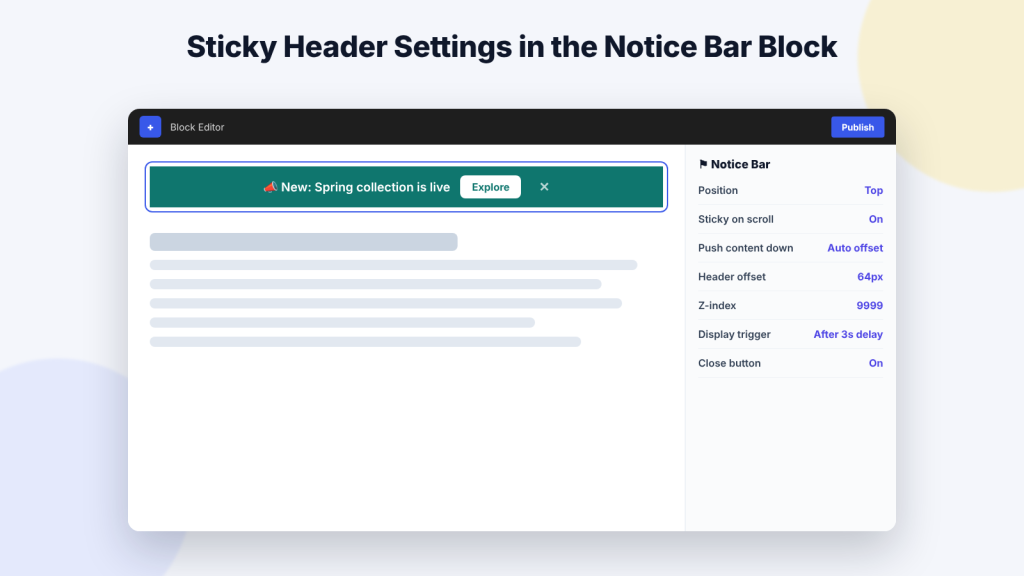
How to Add a Sticky Header Announcement Bar in WordPress
Learn how to add a sticky header WordPress announcement bar in Gutenberg. Step-by-step tutorial with display triggers, styling, and zero header overlap.


Latest articles



Plugines
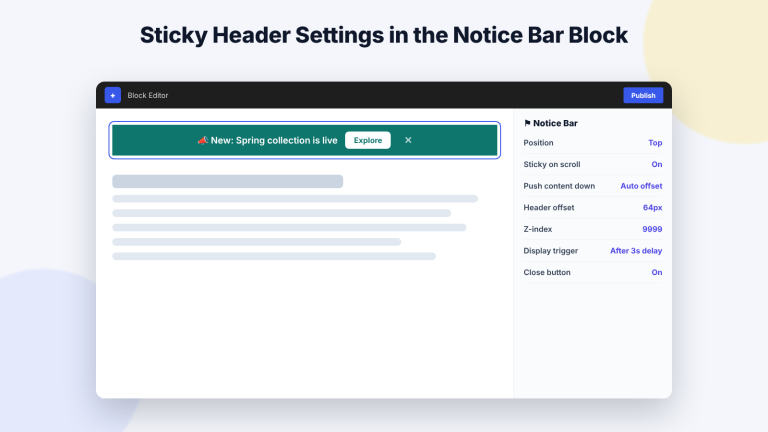
How to Add a Sticky Header Announcement Bar in WordPress
Learn how to add a sticky header WordPress announcement bar in Gutenberg. Step-by-step tutorial with display…
How to Add Alt Text in WordPress (Manually, in Bulk & with AI)
Four ways to add alt text in WordPress: the Media Library, the block editor, bulk tools…

How to Build Professional Business Websites with Free WordPress Block Patterns: A Complete No-Code Guide
Learn how to build fast, professional business websites with free WordPress block patterns using Zentro Blocks:…
Tutorials

How to Add a Logo Carousel in Gutenberg (Step by Step)
Show client and partner logos in a smooth, responsive slider without a page builder or jQuery.

Create a Pricing Table in WordPress Without a Page Builder
Build responsive pricing plans with features, a highlighted plan and CTA buttons, all in Gutenberg.

Build a Help Center With an AI Chatbot and Knowledge Base
Answer customer questions 24/7 with an AI chatbot that hands over to a human, backed by…
Gutenberg Tips
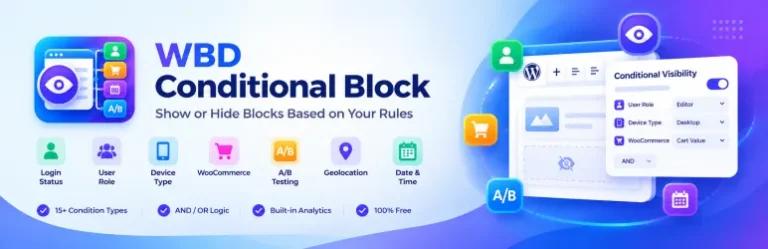
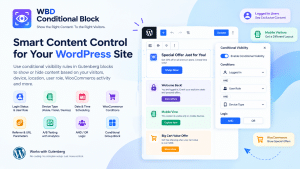
Show or Hide Any Gutenberg Block With Conditional Visibility
Personalize content by login status, user role, device, date, referrer and more, on every block you…
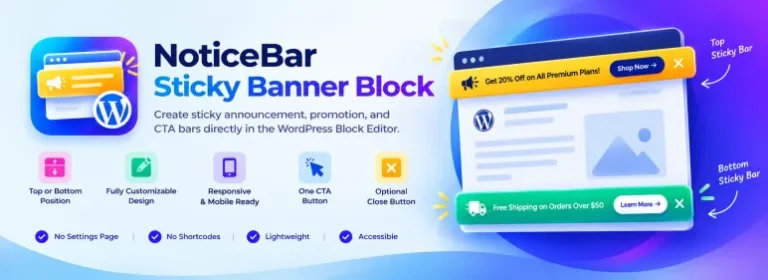
Add a Sticky Announcement Bar With a Countdown Timer
Promote a sale or news with a sticky notice bar, live countdown and click-to-copy coupon.
Plugin News
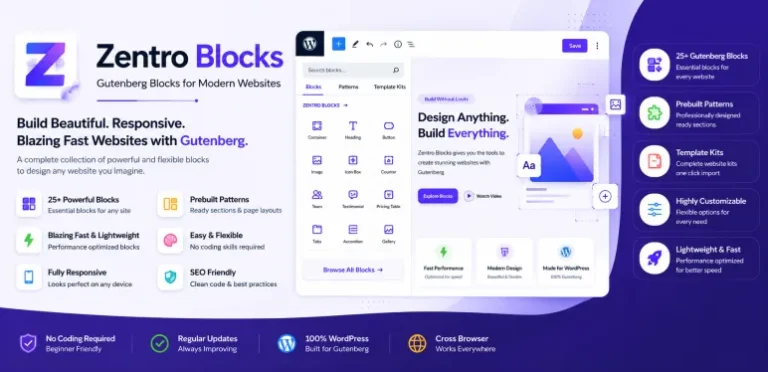
Introducing Zentro Blocks: An Interactive Gutenberg Toolkit
Responsive blocks, templates and patterns for landing pages, business sites, portfolios and stores.

Meet the Timeline Block: Tell Your Story in Gutenberg
Company history, product roadmaps and event schedules as beautiful, animated timelines.