How to Create a WordPress Team Showcase Without Coding
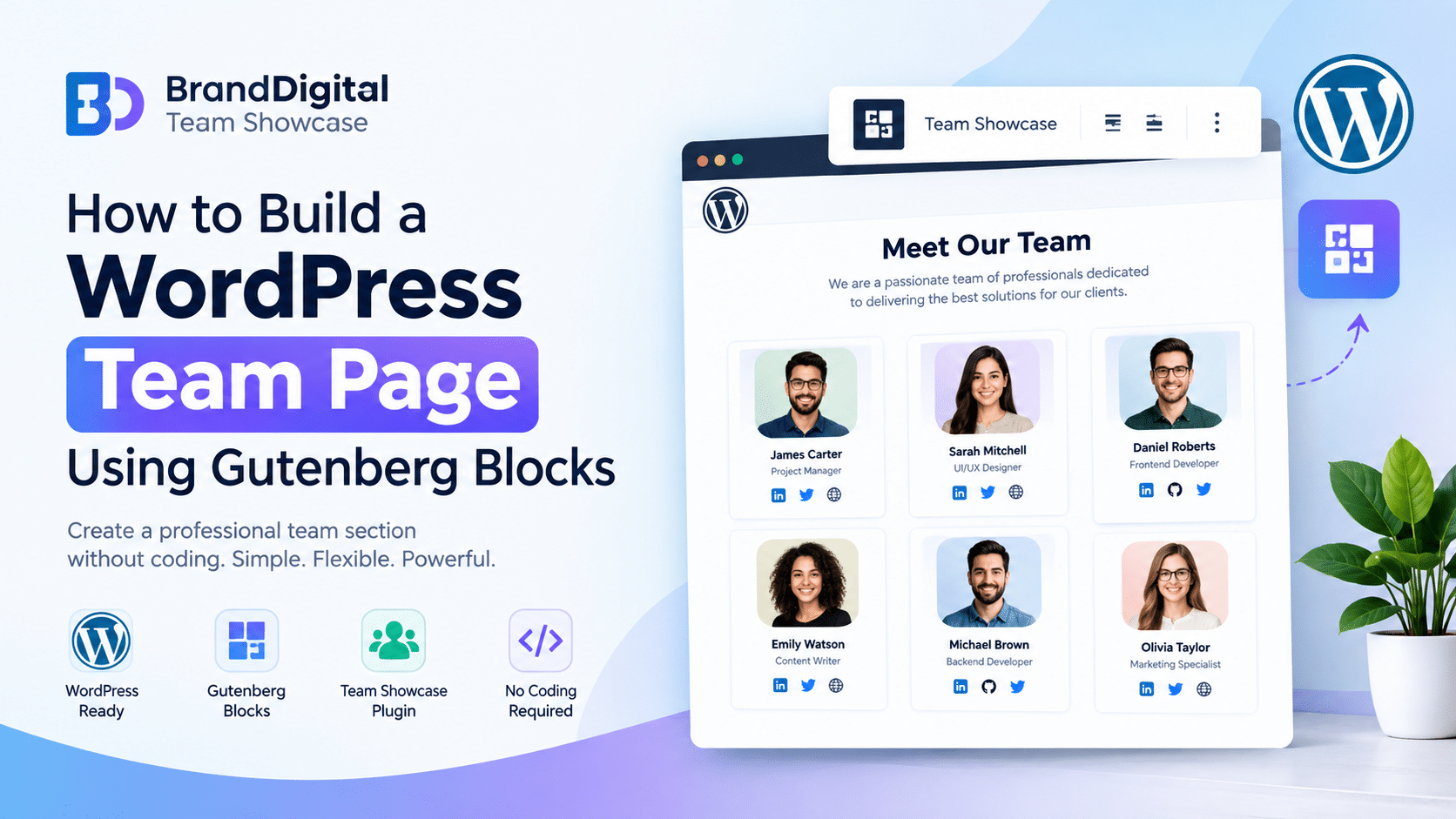
How to Build a WordPress Team Page Using Gutenberg Blocks
A professional team page helps visitors discover the people behind your business, understand your organization, and connect with the right team members. Whether you run a small business, digital agency, startup, or nonprofit organization, showcasing your team can make your website more informative and welcoming.
If your website is built with WordPress, you can create a team page using Gutenberg blocks without writing custom code or installing a large page builder.
In this guide, you will learn how to build a WordPress team page using Gutenberg blocks, what information to include, and how BrandDigital Team Showcase can help simplify the process.
What Is a Gutenberg Team Page?
Gutenberg is the WordPress block editor that allows you to build website content using individual blocks. You can combine headings, images, columns, buttons, and other elements to create custom page layouts.
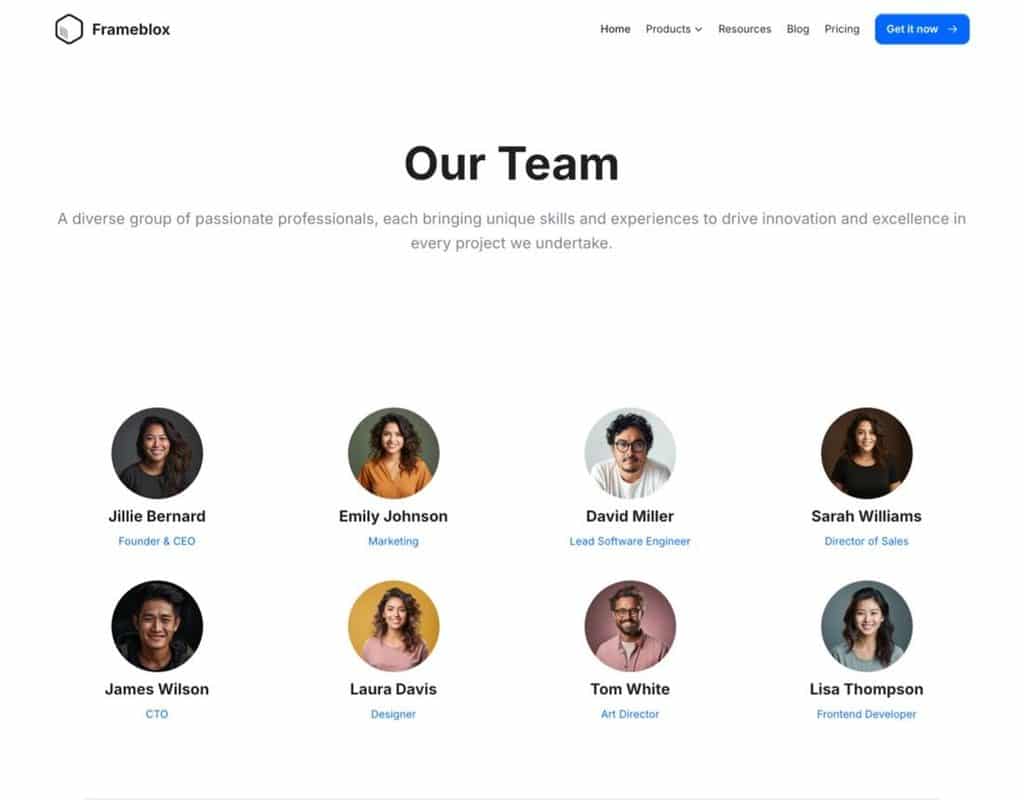
A Gutenberg team page uses these blocks to introduce employees, founders, managers, or other members of an organization.
Instead of displaying team information as plain text, you can create visually organized profile cards featuring names, job titles, photos, and social links.
For businesses looking for a simple WordPress team page builder, Gutenberg offers a flexible starting point.
Why Create a Team Page on Your WordPress Website?
A team page gives visitors a better understanding of the people behind your business.
It can help you:
- Introduce employees and company leaders.
- Present your organization in a clear, structured way.
- Highlight individual roles and expertise.
- Provide convenient ways to connect with team members.
- Maintain a consistent visual style across your website.
For agencies and service businesses, a team page can also help potential clients understand who may be involved in their projects.
Step 1: Plan Your Team Page Content
Before adding blocks, decide what information you want to display.
A typical team member profile may include:
- Profile photo
- Full name
- Job title or professional role
- Short biography
- Social media or contact links
Keep descriptions concise and relevant. For example, a digital agency might display a developer’s name, role, a short introduction, and a LinkedIn profile link.
You do not need to include every detail about every person. Focus on information that helps visitors understand your team.
Step 2: Create a New Page in WordPress
From your WordPress dashboard:
- Navigate to Pages and select Add New Page.
- Enter a title such as “Our Team” or “Meet Our Team.”
- Add a short introduction explaining who your team is.
- Use the Gutenberg editor to start building your layout.
You can add a heading block, paragraph block, and image blocks to create a simple introduction before displaying your team members.
Step 4: Add Team Members Using BrandDigital Team Showcase
If you want a dedicated solution instead of building every profile manually, you can use BrandDigital Team Showcase, a WordPress team showcase plugin designed for Gutenberg-based websites.
The plugin helps you create team member showcases using pre-designed layouts and profile customization options.
Key features include:
- Multiple team layouts for different website styles.
- Unlimited team member profiles.
- Profile information and social media links.
- Customization options for the appearance of team sections.
- Shortcode support for displaying saved showcases in supported areas.
To get started, install the plugin from WordPress.org, activate it, and follow its available setup options to create your team showcase.
Get the plugin: BrandDigital Team Showcase – WordPress.org
Preview and Publish Your Team Page
Before publishing, preview your page and check that all team information is accurate.
Make sure profile photos load correctly, social links work, and the layout remains readable across different screen sizes.
You can also add a clear page heading such as “Meet Our Team” and a brief introduction to help visitors understand the purpose of the page.
Once everything looks right, publish your page and include it in your website navigation if appropriate.
WBD Team Member Block Pro – Demo and Pro buy
Frequently Asked Questions
How do I create a team page in WordPress without coding?
You can use Gutenberg blocks to add headings, images, columns, and profile information. A dedicated WordPress team showcase plugin can provide ready-made layouts and simplify profile management.
Can I build a team page using Gutenberg?
Yes. Gutenberg supports page layouts built from individual content blocks. You can create a team page using standard blocks or extend the editor with a team showcase block plugin.
Is BrandDigital Team Showcase suitable for business websites?
It can be used to display employees, founders, agency teams, and other professional groups. Its layouts and profile options help organize team information on WordPress websites.
Can I display team members outside the block editor?
BrandDigital Team Showcase supports shortcode-based display in compatible WordPress content areas, allowing saved showcases to be reused in supported locations.
Build Your WordPress Team Page with Confidence
Creating a team page does not have to involve complicated development or custom coding. Gutenberg provides the building blocks, while a dedicated team showcase plugin can help organize profiles and simplify the design process.
If you want to introduce your employees, highlight your agency team, or create a professional “Meet Our Team” page, explore BrandDigital Team Showcase and see how it fits your WordPress website.