
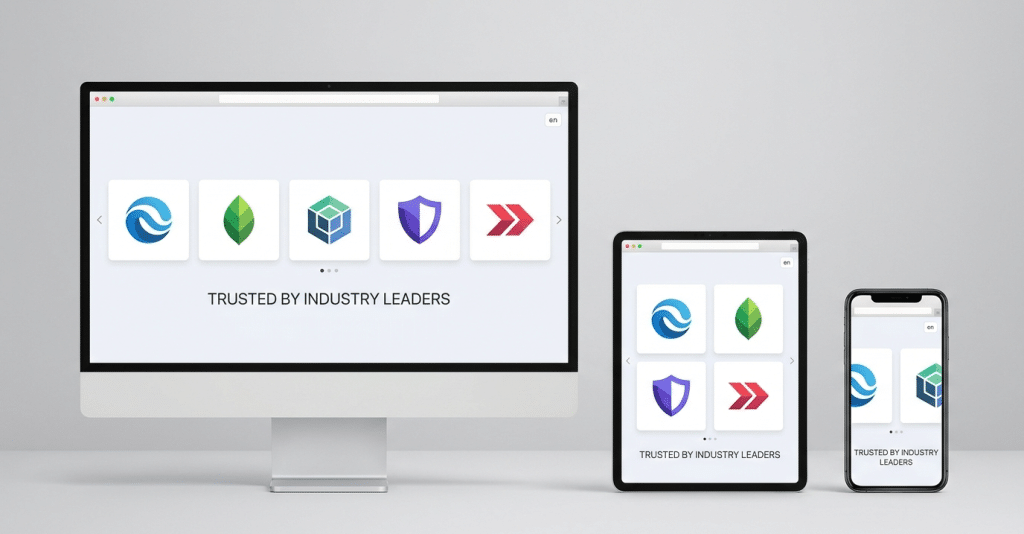
Establishing credibility with first-time website visitors is critical for driving online conversions. When potential clients arrive on your homepage, they immediately look for visual indicators that your business is trustworthy, established, and proven. Displaying brand badges of your clients, partners, sponsors, media features, or industry certifications delivers instant social proof.
However, pasting static images across a page clutters your design and ruins mobile responsiveness. Installing a dedicated logo slider provides a dynamic, space-saving horizontal carousel that showcases brand marks cleanly. Finding the best logo slider wordpress plugin allows website owners, digital marketers, agencies, and web developers to present partner logos professionally without touching any code.
In this guide, we evaluate the top wordpress logo slider plugin free choices available today. You will learn how logo carousels work, key features to evaluate, a detailed breakdown of the top 5 plugins, a comparison table, an 8-step tutorial, and tailored plugin recommendations based on your site’s needs.
What Is a Logo Slider in WordPress?
A logo slider in WordPress is a user interface element that displays multiple brand images inside an automated or user-controlled horizontal slideshow. Using a WordPress logo carousel plugin enables site owners to display dozens of partner badges without overloading web page layouts.
How a Logo Carousel Works?
A logo carousel positions images along a linear track and uses JavaScript or CSS transitions to scroll them horizontally:
- Autoplay Motion: Cycles through logos automatically at a set interval or continuous scroll speed.
- Infinite Looping: Restarts the image sequence seamlessly so scrolling appears endless.
- Touch & Drag Support: Enables touch-swiping on mobile devices and mouse-dragging on desktop browsers.
- Pause on Hover: Halts sliding when a visitor hovers over a logo, keeping links readable and clickable.
Logo Slider vs. Logo Carousel vs. Logo Grid?
- Logo Slider: A single-row layout moving logos horizontally one slide at a time, often using navigation arrows.
- Logo Carousel: A continuous, fluid marquee sliding strip looping seamlessly without stopping.
- Logo Grid: A static, multi-column display showing all logos simultaneously in fixed rows and columns.
Practical Website Examples?
- “As Seen In” Banners: Media publication logos displayed across landing page headers.
- “Trusted By” Showcases: Client brand logos featured below hero sections on B2B agency and SaaS sites.
- Partner Directories: E-commerce stores showcasing official brand distributors or security seals.
Why Do You Need a Logo Slider Plugin?
Integrating a responsive logo slider provides clear strategic and aesthetic benefits:
- Display Client and Partner Logos: Showcases client relationships, sponsors, and integrations in an organized section.
- Build Trust and Credibility Through Social Proof: Reassures prospective leads, reducing bounce rates and encouraging conversions.
- Improve Website Appearance: Adds interactive horizontal motion that modernizes static web pages.
- Save Website Space: Condenses 20+ brand marks into a single horizontal strip instead of cluttering vertical scroll space.
- Showcase Multiple Brands Professionally: Standardizes logo heights and spacing for visual consistency across different image dimensions.
- Improve the User Experience Across Different Devices: Automatically resizes images and column layouts for smartphones, tablets, and desktops.
Best 5 Free Logo Slider Plugins for WordPress
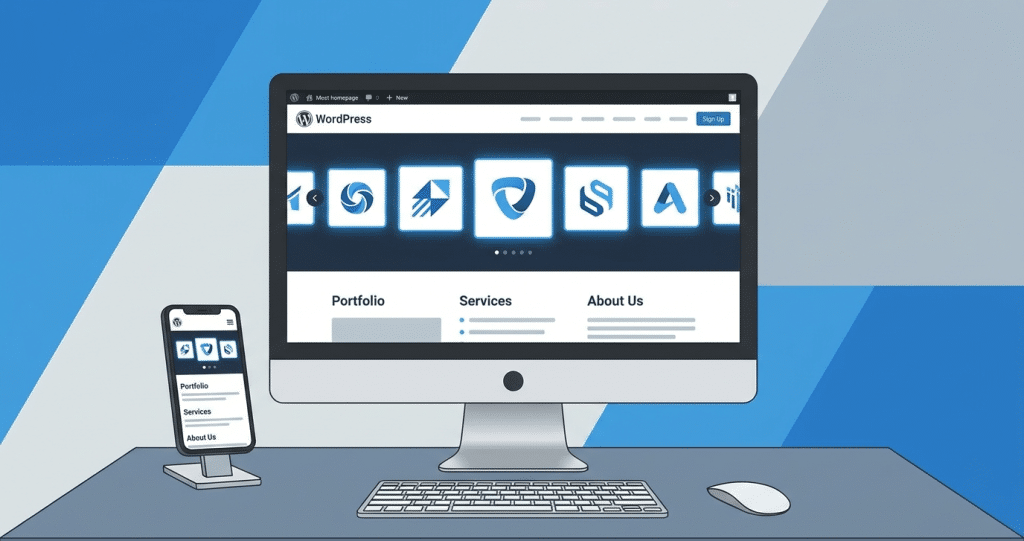
We reviewed five top free WordPress logo slider solutions available on WordPress.org, examining their free functionality, customization options, and limitations.
1. Logo Slider by GS Plugins
GS Logo Slider is a veteran WordPress client logo showcase plugin built on a clean Custom Post Type (CPT) architecture.
- Plugin Overview: Manages logos like standard WordPress posts, making it intuitive for experienced WordPress users.
- Key Features: Custom Post Type logo entry, shortcode generation, responsive column controls, and theme-neutral styling.
- Free Version Functionality: Standard horizontal sliding, autoplay controls, pause on hover, and basic logo margin settings.
- Customization Options: Adjustments for slider speed, navigation arrow visibility, and logo image display.
- Responsive Design Capabilities: Automatically scales logo widths across desktop and mobile screens.
- Shortcode or Gutenberg Support: Relies primarily on the [gs_logo] shortcode, with basic Gutenberg block support.
- Limitations of the Free Version: Advanced layout presets (grid, vertical), category filtering, tooltips, and hover zoom require the Pro version.
- Best Use Case: Developers wanting a traditional Custom Post Type workflow with simple shortcode execution.
2. Logo Carousel by ShapedPlugin
With over 20,000 active installations, Logo Carousel by ShapedPlugin is a highly popular logo carousel for WordPress plugin.
- Plugin Overview: Built specifically around native Gutenberg block architecture while supporting classic shortcodes.
- Key Features: Dual Gutenberg blocks (Carousel & Grid), SVG vector support, 12 arrow icon styles, 6 pagination dot styles, and pattern templates.
- Free Version Functionality: Unrestricted carousel creation, autoplay speed controls, infinite looping, and adaptive slider height.
- Customization Options: Controls for logo borders, card backgrounds, hover color highlights, and section titles.
- Responsive Design Capabilities: Independent column configuration per device breakpoint (desktop, tablet, mobile).
- Shortcode or Gutenberg Support: Native Gutenberg blocks, Elementor widgets, and [logocarousel] shortcode support.
- Limitations of the Free Version: Ticker marquee scrolling, List/Table views, isotope category filtering, and detail popups require Pro.
- Best Use Case: Site owners seeking pre-designed block patterns and rich navigation styling in the block editor.
3. Logo Slider WP by LogicHunt
Logo Slider WP is a feature-rich WordPress logo slider plugin offering dual content sourcing and a live visual builder.
- Plugin Overview: Allows pulling logos from a custom Logo Library or directly from WooCommerce Product Brands.
- Key Features: WooCommerce brand integration, native Gutenberg block, Media Library bulk upload, drag-and-drop reordering, and Flexbox modes.
- Free Version Functionality: Carousel, Grid, and Flexbox display modes with unlimited logos and category filtering.
- Customization Options: Adjustable column gaps, background colors, item borders, and preloader icons.
- Responsive Design Capabilities: Separate column and gap settings across desktop, tablet, and mobile displays.
- Shortcode or Gutenberg Support: Native Gutenberg block with editor live preview and [lgxlogoslider] shortcode.
- Limitations of the Free Version: Continuous ticker scroll mode, Coverflow 3D effects, and custom tooltips are reserved for Pro.
- Best Use Case: WooCommerce store owners displaying product brand logos alongside client showcases.
4. Logo Slider and Showcase by RadiusTheme
Logo Slider and Showcase by RadiusTheme is an elegant logo showcase plugin designed for effortless portfolio display.
- Plugin Overview: Displays partner logos cleanly in grid and carousel formats with straightforward administration.
- Key Features: Custom post type management, responsive column controls, image sizing options, and clean shortcode generation.
- Free Version Functionality: Grid and carousel layouts, auto-sliding settings, logo link assignment, and basic hover effects.
- Customization Options: Controls for background colors, logo borders, navigation button alignment, and titles.
- Responsive Design Capabilities: Fully mobile-responsive layout that scales fluidly across device viewports.
- Shortcode or Gutenberg Support: Includes shortcode generator tools and Gutenberg block compatibility.
- Limitations of the Free Version: Multi-row sliders, category filter tabs, detail popups, and grayscale hover transitions require Pro.
- Best Use Case: Business websites needing a reliable, corporate logo grid and carousel showcase.
5. Simple Logo Carousel by ideSolutions
Simple Logo Carousel focuses on minimalist execution for users seeking zero configuration complexity.
- Plugin Overview: Engineered to display client logos cleanly without administrative overhead.
- Key Features: Drag-and-drop logo reordering, basic autoplay options, responsive alignment, and lightweight output.
- Free Version Functionality: Simple logo carousel output, pause on hover, image link support, and scroll speed control.
- Customization Options: Basic image margin, slider direction, and arrow visibility controls.
- Responsive Design Capabilities: Adapts fluidly to mobile screens with touch-swipe support.
- Shortcode or Gutenberg Support: Simple shortcode execution for insertion into any page or widget area.
- Limitations of the Free Version: Lacks advanced layout presets, native Gutenberg blocks, typography controls, and category filtering.
- Best Use Case: Beginners wanting an ultra-simple logo slider that works out of the box.
Comparison of the Best Free Logo Slider Plugins:
| Plugin Name | Layout Options | Responsive Design | Customization | Best For |
| GS Logo Slider | Carousel, Slider | Fully Responsive (Auto) | Basic (Speed, Arrows, Spacing) | Developers preferring Custom Post Types |
| Logo Carousel by ShapedPlugin | Carousel, Grid | Advanced (Per-Device Columns) | Extensive (12 Arrow Styles, Borders) | Native Gutenberg block editor users |
| Logo Slider WP by LogicHunt | Carousel, Grid, Flexbox | Advanced (4 Breakpoint Controls) | High (Live Builder, Backgrounds) | WooCommerce stores & dual-source showcases |
| Logo Slider and Showcase (RadiusTheme) | Carousel, Grid | Fully Responsive (Mobile-First) | Moderate (Colors, Borders, Links) | Business sites wanting clean logo grids |
| Simple Logo Carousel (ideSolutions) | Carousel | Responsive (Touch-Swipe) | Minimal (Speed, Margin, Arrows) | Beginners seeking simple setup |
Important Features to Look for in a Free Logo Slider Plugin
When choosing a free plugin, prioritize these essential features:
- Responsive and Mobile-Friendly Design: Automatically resizes images, touch controls, and column counts across devices.
- Autoplay and Navigation Controls: Customizable scroll speeds, infinite looping, and optional navigation arrows or pagination dots.
- Infinite Loop Functionality: Ensures continuous sliding motion without abrupt visual resets.
- Drag and Swipe Support: Touch swiping for mobile users and mouse dragging for desktop browsers.
- Customizable Logo Size and Spacing: Controls for uniform logo heights, max-widths, and padding alignment.
- Lazy Loading: Delays image loading until the carousel enters the viewport to protect page load speed.
- Lightweight Performance: Clean code output that avoids heavy script bloat.
- Shortcode and Gutenberg Compatibility: Flexible embedding via block editor, page builders, or shortcodes.
- Image Alt Text and Accessibility: Proper alt attributes and keyboard navigation support for WCAG compliance.
How to Choose the Best Logo Slider Plugin for Your Website?
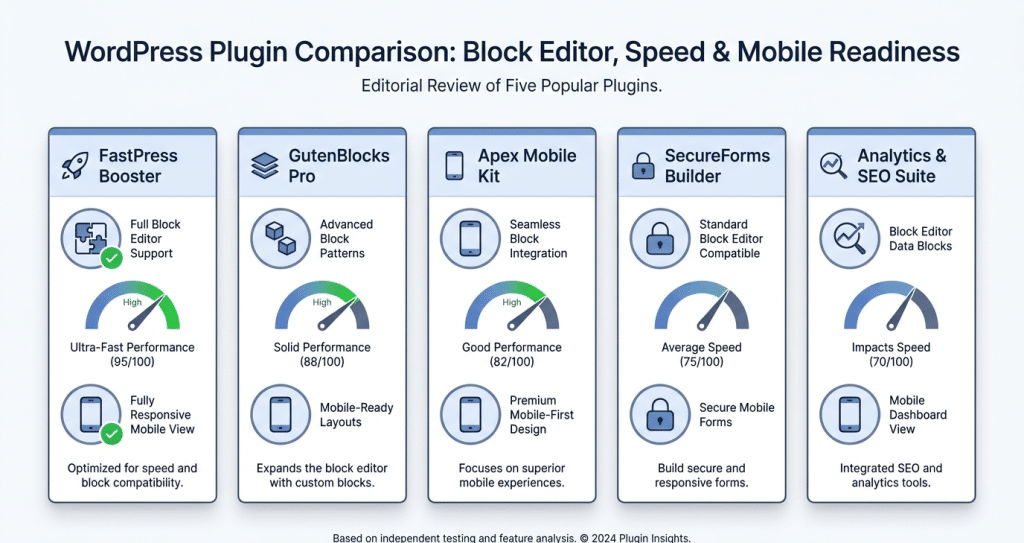
Select a plugin tailored to your specific project requirements:
- For Beginners: Simple Logo Carousel by ideSolutions or Logo Carousel by ShapedPlugin for intuitive setups.
- For Business Websites: Logo Slider and Showcase by RadiusTheme for clean corporate logo displays.
- For SaaS Websites: Logo Slider WP by LogicHunt for Flexbox layouts and visual customization.
- For Digital Marketing Agencies: Logo Carousel by ShapedPlugin for block patterns and multi-builder support.
- For Elementor Users: Logo Carousel by ShapedPlugin or Logo Slider WP for seamless shortcode and widget integration.
- For Performance-Focused Websites: Lightweight plugins like GS Logo Slider or Logo Slider WP that load minimal scripts.
How to Add a Logo Slider in WordPress?
Follow this simple 8-step tutorial to publish your logo slider:
- Log In to the WordPress Dashboard: Access your site admin area.
- Navigate to Plugins > Add New Plugin: Select Add New Plugin from the sidebar menu.
- Search for the Plugin: Type your chosen plugin name (e.g., “Logo Carousel by ShapedPlugin”) into the search box.
- Install and Activate: Click Install Now, then click Activate.
- Upload Logos: Go to the plugin admin menu, create a showcase, and upload logos from the Media Library with titles, alt text, and links.
- Configure Slider Settings: Set autoplay speed, column counts per device, and navigation styles.
- Embed the Slider: Insert the generated Gutenberg block or shortcode (e.g., [logocarousel id=”123″]) into your target page.
- Preview Across Devices: Save your page and verify responsive layouts on desktop, tablet, and mobile screens.
Frequently Asked Questions (FAQs)
What is the best free logo slider plugin for WordPress?
The best free logo slider plugin depends on your site setup. Logo Carousel by Shaped Plugin is ideal for native Gutenberg block editing, while Logo Slider WP by Logic Hunt is best for Woo-Commerce stores and multi-layout flexbox displays.
Is there a free WordPress logo slider plugin?
Yes, several high-quality free logo slider plugins are available on WordPress.org, including Logo Carousel by ShapedPlugin, Logo Slider WP by LogicHunt, GS Logo Slider, and Logo Slider and Showcase by RadiusTheme.
How do I create a logo carousel in WordPress?
You can create a logo carousel by installing a free plugin, uploading partner logos to the plugin library, configuring autoplay and infinite loop settings, and embedding the carousel on your page using a block or shortcode.
Are WordPress logo slider plugins mobile responsive?
Yes, top-rated logo slider plugins feature responsive designs that automatically scale logo dimensions, adjust column counts, and enable touch-swipe gestures on mobile devices.
Can I create a logo slider without coding?
Absolutely. Modern WordPress logo slider plugins provide visual admin panels, Gutenberg blocks, and drag-and-drop interfaces that let you design and display custom logo carousels without touching any code.
Integrating a logo slider into your WordPress website is an effective way to showcase social proof, build visitor trust, and elevate visual appeal without cluttering your layout. By condensing client, partner, or sponsor badges into a sleek, responsive horizontal banner, you maintain a clean user experience across all devices.
When selecting a plugin, align your choice with your site’s workflow-whether you prefer a Gutenberg-native block, WooCommerce brand integration, or simple shortcode execution. Solutions like Logo Carousel by ShapedPlugin, Logo Slider WP, and GS Logo Slider offer robust free capabilities to get started.
Choose one of these top-rated free plugins today, test it on a draft page, and display your brand partnerships with confidence!


Leave a Reply