Create a Pricing Table in WordPress Without a Page Builder

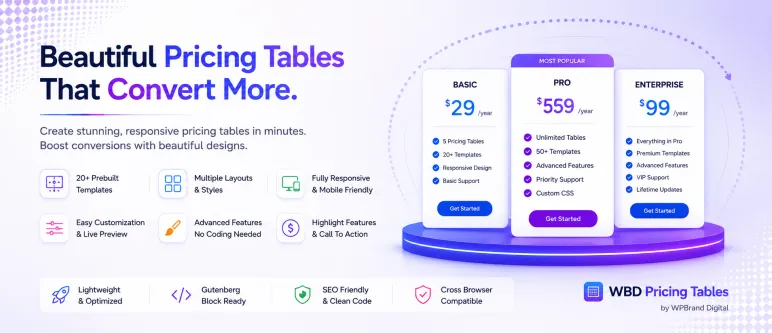
Pricing Tables banner

Pricing pages convert best when plans are easy to compare. WBD Pricing Tables gives you a native Gutenberg block for exactly that, with no page builder required.

What you can show

  • Plan names, prices, currency symbols and billing periods
  • A feature list for every plan
  • A featured or recommended plan with its own styling
  • Call-to-action buttons with custom text and links

Tips for a pricing table that sells

  1. Keep it to three or four plans so the choice stays simple.
  2. Highlight the plan most customers should pick.
  3. List the same features in the same order on every plan.
  4. Use clear button text such as “Start free” or “Get Pro”.

The block is fully responsive, so the plans stack neatly on phones and tablets.

rudra roy Avatar
Previous article
Next article

One response to “Create a Pricing Table in WordPress Without a Page Builder”

  1. […] Vendor lock-in and bloat: Proprietary drag-and-drop page builders often load heavy scripts on the front end. If you switch themes or uninstall the builder later, your pages can break into unreadable shortcode clutter. (We covered this in detail in our guide to creating a pricing table without a page builder.) […]

Leave a Reply

Your email address will not be published. Required fields are marked *

All-Access Bundle

Every WPBrand Digital Pro plugin on unlimited sites with one license. Join the early-access list.

Related articles