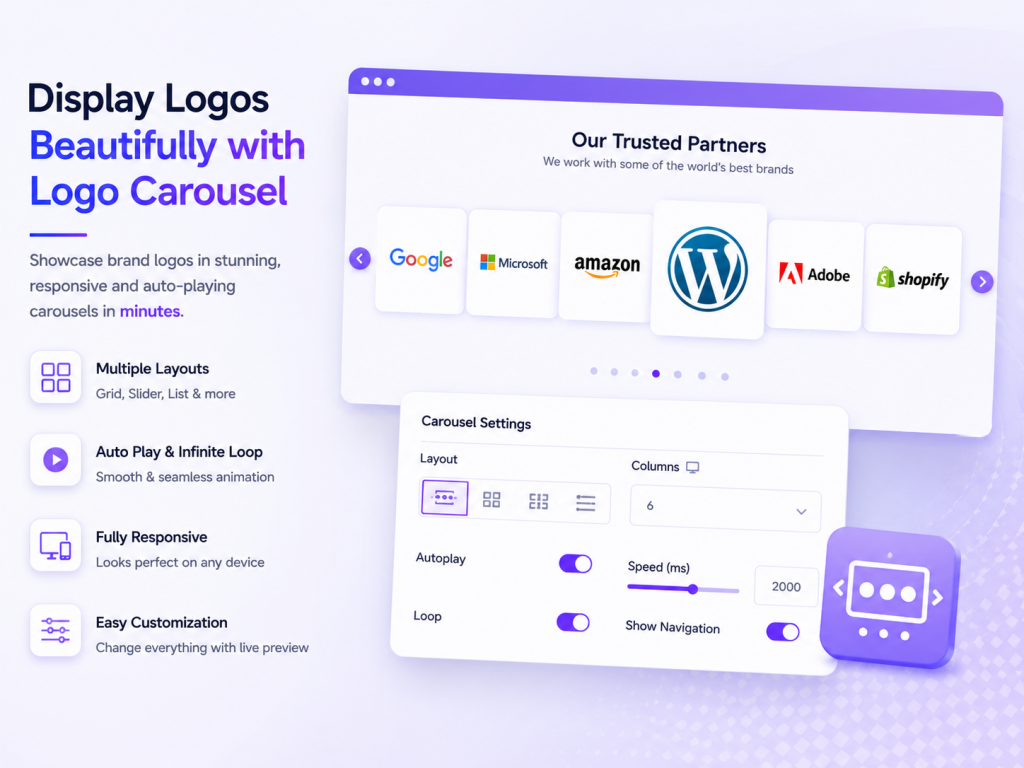
Showcase Your Clients, Partners & Brands Beautifully
Create a smooth, responsive logo carousel directly inside the WordPress Gutenberg Editor. Add unlimited logos, customize the design, and build a professional logo showcase—without coding.
Why WBD Logo Carousel?
A Simple Way to Build Trust
Easy to Use
Add and manage your logos directly from the Gutenberg Editor.
Smooth & Responsive
Create beautiful scrolling logo showcases that look great on desktop, tablet, and mobile.
Fully Customizable
Control logo size, animation speed, colors, borders, radius, and more.
How It Works.
Build Your Logo Carousel in 3 Simple Steps
01 — Add Your Logos
Upload your client, partner, sponsor, or brand logos.
02 — Customize Your Design
Choose your preferred style and adjust the logo size, colors, borders, and animation.
03 — Publish & Showcase
Publish your page and let your logos create instant visual trust.
2 Beautiful Templates — Classic, ElegantCarousel Layout (Slider) — Continuous seamless auto-scrolling logo sliderCustomizable Logo Size — Adjust from 50px to 300pxOptional Alt Text Display — Show text below each logoSlide Direction Control — Scroll left or right
Unlimited Logos — Add as many logos as neededGutenberg Native — No shortcodes neededFully Responsive — Works perfectly on all devices6 Premium Templates — Luxury, Modern, Minimal, Premium, Neon, GlassmorphismMulti-Row Carousel — Multiple rows with alternating scroll directions (row 1 left, row 2 right, row 3 left)Grid Layout — Display logos in a responsive grid (2–6 columns)Masonry Layout — Pinterest-style masonry grid (2–5 columns)